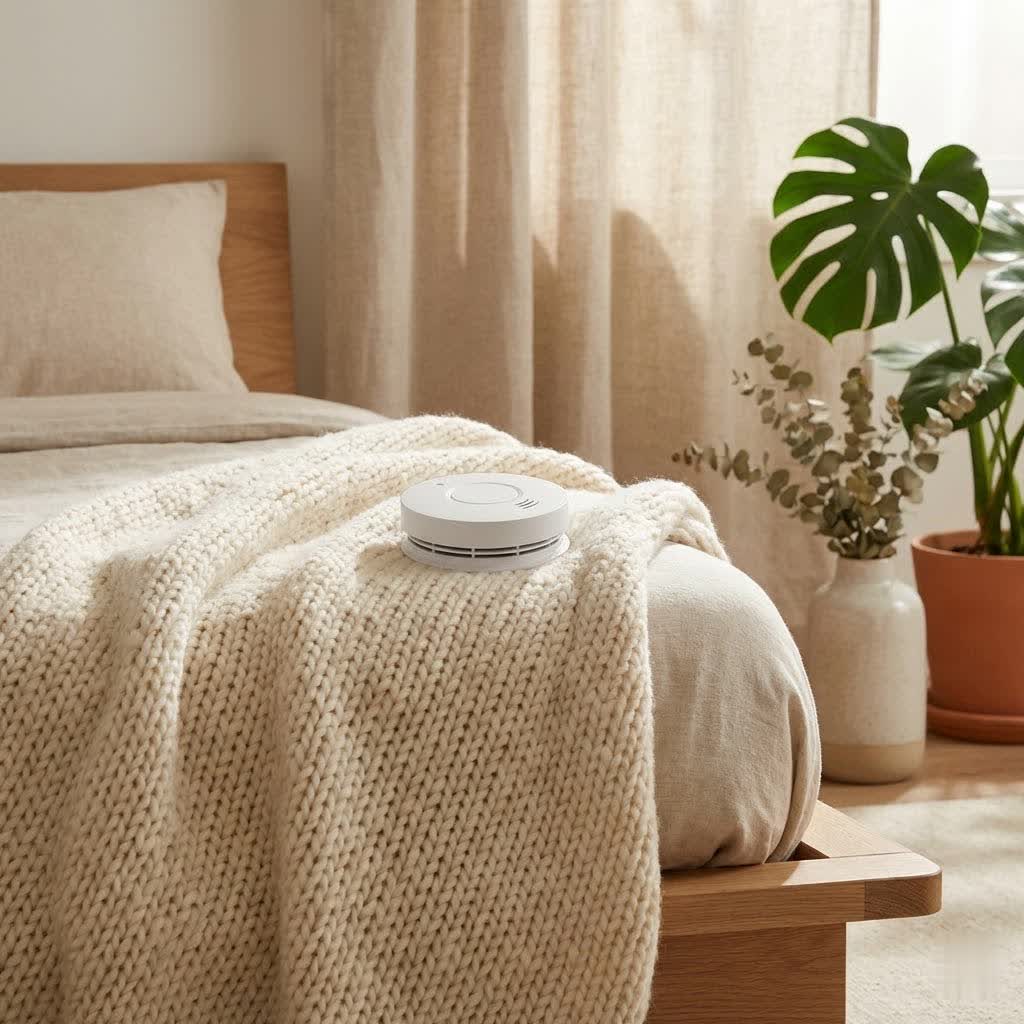
Ensuring the safety of your home is a top priority, especially when confronting silent, invisible threats like carbon monoxide and rapidly spreading fires. Traditional smoke alarms often deliver jarring, undifferentiated beeps, leaving you guessing about the danger’s nature and location. The Google Nest Protect revolutionizes home safety by offering a sophisticated, intelligent solution that goes beyond basic alarms. This comprehensive device provides clear, actionable information, integrating seamlessly into your smart home to offer unparalleled peace of mind. This article will delve into what makes the Nest Protect an indispensable asset, exploring its advanced features, different models, installation best practices, and why it stands out as a leader in modern home protection.
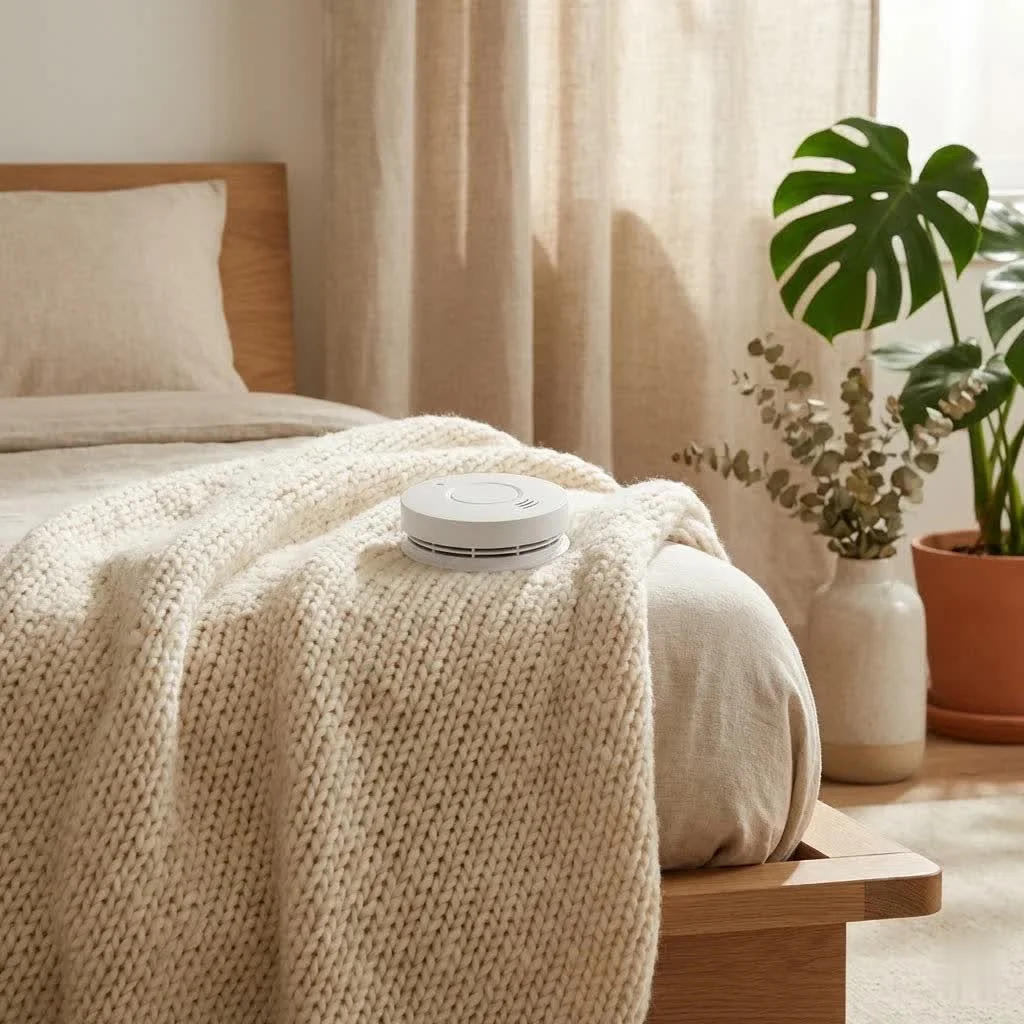
What is a Google Nest Protect? Why is it Essential for Your Home?
The Google Nest Protect is a state-of-the-art smart smoke and carbon monoxide (CO) detector designed to provide comprehensive home safety. Unlike conventional alarms, it communicates potential dangers with clear voice alerts and color-coded lights, precisely indicating the type and location of the threat. This intelligent device continuously monitors your home environment, offering real-time updates and notifications directly to your smartphone, even when you’re away.
The importance of early detection cannot be overstated. Fires can erupt unexpectedly, and carbon monoxide, an odorless and colorless gas, can be lethal without warning. A functional and reliable alarm system is your first line of defense. The Nest Protect’s ability to identify both smoldering and fast-flaming fires, alongside CO leaks, makes it an essential tool for safeguarding your household against these critical hazards. Its proactive monitoring and smart features dramatically enhance response times and provide vital information during an emergency, moving beyond simple beeps to offer true peace of mind.
Understanding Nest Protect’s Advanced Detection Technology
The efficacy of any alarm lies in its ability to accurately detect threats. The Google Nest Protect employs cutting-edge sensor technology to distinguish between various types of smoke and the presence of carbon monoxide, minimizing false alarms while maximizing protection.
Split-Spectrum Sensor for Smoke
At the core of Nest Protect’s smoke detection capabilities is its proprietary Split-Spectrum Sensor. This advanced technology utilizes two different wavelengths of light – blue and infrared – to detect smoke particles. This dual-wavelength approach allows the Nest Protect to identify both fast-burning fires, which produce smaller, darker smoke particles, and slow, smoldering fires, which generate larger, lighter particles. This comprehensive detection mechanism is often more effective than traditional photoelectric or ionization sensors alone, ensuring a broader range of fire types are recognized swiftly and accurately.
Electrochemical Carbon Monoxide Sensor
|
Our Picks for the Best Smoke Detector in 2026
As an Amazon Associate I earn from qualifying purchases.
|
||
| Num | Product | Action |
|---|---|---|
| 1 | Kidde Hardwired Smoke & Carbon Monoxide Detector, AA Battery Backup Smoke Alarm, Interconnectable, LED Warning Light Indicators, 2 Pack |

|
| 2 | 4-in-1 Gas & Carbon Monoxide Detector, Plug-in & Battery Powered – Multi-Gas Protection, Accurate CO, Temperature & Humidity Monitoring, LCD Display, Adjustable Brightness, Sensitive Alarm |
|
| 3 | Kidde Hardwired Smoke Detector, AA Battery Backup, Interconnectable, LED Warning Light Indicators, 4 Pack |
|
| 4 | Kidde Smoke Detector, 10-Year Battery Powered, LED Warning Light Indicators |
|
| 5 | 3 Pack 10 Year Battery Operated Smoke and Carbon Monoxide Detector, Portable Fire Co Alarm for Home and Kitchen (White) |
|
| 6 | First Alert SMI100, Battery-Operated Smoke Alarm, 2-Pack |
|
| 7 | Smoke Alarm Fire Detector,Battery Operated Photoelectric Smoke Detector with Test Button and Low Battery Warning, Fire Alarms Smoke Detectors for Home, 6 Pack |
|
| 8 | First Alert SMI100, Battery-Operated Smoke Alarm, 3-Pack |
|
| 9 | First Alert SMI100-AC, Hardwire Interconnect Smoke Alarm with Battery Backup, 6-Pack |
|
| 10 | 6 in 1 Plug in Smoke and Carbon Monoxide Detector Combo, Portable Smoke, Gas & CO Detector with Battery Operated, Temp, Humidity - Smoke Alarm Carbon Monoxide Natural Gas Leak Detector for Home, RV |
|
Carbon monoxide (CO) is often called the “silent killer” because it is invisible, odorless, and tasteless. The Nest Protect incorporates a dedicated, long-life electrochemical CO sensor specifically designed to detect dangerous levels of this poisonous gas. This sensor has a lifespan of 10 years, providing a decade of continuous protection against CO poisoning. Its integration into a single device simplifies home safety, eliminating the need for separate smoke and CO detectors and ensuring comprehensive coverage.
Smart Features for Enhanced Safety
Beyond its core detection abilities, the Nest Protect integrates a suite of smart features that elevate its functionality and user experience.
- Voice Alerts: Instead of generic beeps, the Nest Protect uses a friendly human voice to clearly announce the type of emergency and its location. For instance, it might say, “Heads-up. There’s smoke in the kitchen,” giving you critical information quickly.
- App Silence: Accidental alarms, perhaps from burnt toast, can be a nuisance. With the Nest Protect, you can conveniently hush false alarms directly from your smartphone using the Nest app, saving you from reaching for a broomstick or climbing on a chair.
- Pathlight: In the dark, stumbling can be dangerous. The Nest Protect features a motion-activated Pathlight that illuminates your way when it senses movement, providing a gentle light to guide you through hallways or down stairs at night.
- Nightly Promise: To assure you that everything is functioning correctly, the Nest Protect gives a quick green glow when you turn out the lights, signifying that its batteries and sensors are working as they should. No more disruptive 2 AM low-battery chirps.
- Steam Check: False alarms from steamy showers are a common complaint with traditional smoke detectors. Nest Protect’s Steam Check feature uses custom algorithms and a humidity sensor to intelligently differentiate between steam and actual smoke, significantly reducing nuisance alarms.
Choosing the Right Nest Protect: Battery vs. Wired Models
Google Nest Protect is available in two main power options: battery-powered and wired (120V). Both offer the same smart features and advanced detection capabilities, but they cater to different installation needs and preferences.
Battery-Powered Nest Protect
The battery-powered Nest Protect offers maximum flexibility in placement, making it ideal for homes without existing hardwired smoke alarm infrastructure or for adding detectors in areas where wiring is impractical. These units typically use six long-life AA Energizer Ultimate Lithium batteries, designed to last for several years before needing replacement. Installation is straightforward, often involving just a few screws to mount the backplate and then twisting the unit into place.
Wired (120V) Nest Protect
The wired Nest Protect integrates directly into your home’s electrical system, providing continuous power. This option is often preferred during new construction or when replacing existing hardwired alarms, ensuring constant power and eliminating the need for battery replacements for primary operation. Each wired unit also includes three long-life AA backup batteries to ensure functionality during power outages. While offering the same smart features, the wired model generally requires a more involved installation process, potentially necessitating professional assistance to connect to the household wiring.
Both battery and wired Nest Protect models are designed for wireless interconnectivity, meaning all units in your home will communicate with each other, regardless of their power source.
Nest Protect’s Smart Home Integration and Connectivity
The true intelligence of the Nest Protect shines through its robust connectivity and integration capabilities, turning individual alarms into a unified, intelligent safety network.
Wireless Interconnect
A standout feature of the Nest Protect is its wireless interconnectivity. If one Nest Protect detects smoke or carbon monoxide, all other Nest Protects in your home will immediately sound the alarm and announce the location of the incident. This ensures that you and your family are alerted to danger, no matter where you are in the house. This collective response is crucial for maximizing escape time and enhancing overall safety. The units communicate with each other directly, and while Wi-Fi is required for initial setup and app features, they can still interconnect without an active Wi-Fi signal.
Seamless Nest App Experience
The Nest app serves as the central hub for managing your Nest Protect system. Through the app, you receive instant alerts on your smartphone whenever an alarm is triggered or an issue is detected, keeping you informed even when you’re away from home. You can view a history of events, perform safety checkups to test all your alarms simultaneously with a tap, and customize settings such as Pathlight brightness or Nightly Promise color. The app empowers you with control and detailed insights into your home’s safety status.
Google Home Ecosystem Integration
As a Google Nest product, the Nest Protect seamlessly integrates with the broader Google Home ecosystem. This connectivity allows for powerful automations and enhanced safety measures. For example, in the event of a smoke alarm, you could configure your smart lights (like Philips Hue) to turn on automatically and flash red, further assisting occupants in navigating safely. While previous “Works with Nest” integrations were more extensive, the Nest Protect remains a cornerstone of the Google smart home, coordinating with other devices for a more cohesive and responsive safety system.
Installation and Maintenance: Keeping Your Home Safe
Proper installation and regular maintenance are critical to ensuring your Google Nest Protect functions optimally and provides reliable protection for years to come.
Optimal Placement Guidelines
Strategic placement of your Nest Protect units is key to effective home safety. The National Fire Protection Association (NFPA) recommends installing smoke alarms on every level of your home, including the basement, inside every bedroom, and in the hallway outside each sleeping area. For carbon monoxide detection, place units on every level and outside sleeping areas.
Avoid placing Nest Protects in areas prone to false alarms:
- Near kitchens: While Steam Check helps, direct placement above stoves or ovens can still trigger nuisance alarms.
- Bathrooms: Steam and humidity can lead to false alerts; ensure adequate distance.
- Near vents, windows, or ceiling fans: Air currents can prevent smoke or CO from reaching the sensor.
- In dusty areas: Excessive dust can interfere with sensor performance.
- Within 4 inches (10 cm) of a wall: For ceiling-mounted units, this ensures proper airflow.
Generally, mounting on the ceiling in the center of the room is ideal. If wall-mounted, ensure it’s high up, near the ceiling, but not in a corner.
Installation Steps (General)
Installing a Nest Protect is designed to be user-friendly:
- Choose Location: Select an optimal spot following the guidelines above.
- Mount Backplate: Secure the provided backplate to the ceiling or wall using the screws.
- Connect Power (Wired Only): If installing a wired unit, connect it to your home’s electrical wiring according to the instructions, ensuring power is off at the circuit breaker first.
- Insert Batteries (Battery & Wired Backup): Install the long-life AA batteries.
- Attach Unit: Twist the Nest Protect onto the mounted backplate until it clicks securely.
- Setup via Nest App: Download the Nest app, create an account if you don’t have one, and follow the in-app instructions to connect your Nest Protect to your Wi-Fi network and integrate it into your home. This process includes naming rooms for clear voice alerts.
Routine Maintenance
The Nest Protect is designed to be largely self-sufficient, but some maintenance ensures its longevity and effectiveness:
- Self-Testing: The device performs over 400 self-checks daily, monitoring its sensors and batteries automatically.
- Monthly Horn Test: Conduct a full system test monthly using the Nest app’s Safety Checkup feature to ensure all alarms sound correctly.
- Clean Regularly: Periodically clean the vents around the alarm with a soft brush or vacuum attachment to remove dust and debris that could obstruct sensors.
- Replace Unit: All smoke and carbon monoxide detectors, including the Nest Protect, have a finite lifespan. Google Nest Protect units are designed to last for 10 years from the date of manufacture. After this period, the entire unit should be replaced to ensure continued reliability.
Safety Standards and Certifications for Nest Protect
Adherence to stringent safety standards is paramount for any life-saving device. The Google Nest Protect is rigorously tested and certified to comply with leading safety standards, ensuring its reliability and effectiveness.
- UL 217 (Standard for Smoke Alarms): This North American standard covers the performance requirements for single and multiple station smoke alarms, ensuring they reliably detect smoke and sound an alarm.
- UL 2034 (Standard for Single and Multiple Station Carbon Monoxide Alarms): This standard outlines the requirements for CO alarms, including sensitivity, alarm thresholds, and performance under various environmental conditions.
- EN 14604:2005 (Smoke Alarm Devices – European Standard): The European standard for smoke alarms specifies requirements, test methods, and performance criteria.
- EN 50291-1:2018E (Electrical Apparatus for the Detection of Carbon Monoxide in Domestic Premises – European Standard): This European standard sets out general requirements for electrical CO detection apparatus intended for continuous operation in residential premises.
These certifications confirm that the Nest Protect has undergone comprehensive testing and meets the high safety and performance benchmarks established by regulatory bodies. Investing in a certified device like the Nest Protect provides assurance that you are choosing a product designed to offer dependable protection for your home and family.
Conclusion
The Google Nest Protect represents the pinnacle of modern home safety technology, offering a sophisticated blend of advanced detection capabilities and intuitive smart features. By combining a unique Split-Spectrum Sensor for smoke, a dedicated electrochemical sensor for carbon monoxide, and intelligent functionalities like voice alerts, App Silence, Pathlight, and Steam Check, it redefines what a smoke and CO detector can be.
Whether you opt for the versatile battery-powered model or the robust wired version, the Nest Protect integrates seamlessly into your life, providing crucial information and proactive monitoring that goes far beyond traditional alarms. Its commitment to user-friendly design, wireless interconnectivity, and adherence to rigorous safety standards ensures that your home is protected with intelligence and reliability. Choosing a Nest Protect is not just an upgrade; it’s an investment in enduring peace of mind and the well-being of your loved ones. Elevate your home safety today by bringing the intelligence of Google Nest Protect into your life. What smart home safety feature would you want to see next in future generations of detectors?
Frequently Asked Questions
How often should I replace my Google Nest Protect?
All Google Nest Protect units, both battery and wired models, are designed to last for 10 years from the date of manufacture. After this decade, the entire unit should be replaced to ensure its continued reliability and accurate sensor performance.
Can I silence my Nest Protect from my phone?
Yes, one of the key smart features of the Nest Protect is App Silence. If a nuisance alarm is triggered (e.g., from cooking smoke), you can conveniently silence it directly from the Nest app on your smartphone, without needing to physically reach the device.
Does Nest Protect detect both smoke and carbon monoxide?
Absolutely. The Google Nest Protect is a 2-in-1 combo detector, equipped with both a Split-Spectrum Sensor for detecting various types of smoke and a dedicated electrochemical sensor for identifying dangerous, invisible carbon monoxide gas.
What is the Split-Spectrum Sensor in Nest Protect?
The Split-Spectrum Sensor is Nest Protect’s advanced smoke detection technology. It uses two different wavelengths of light to detect a broader range of smoke particles, enabling it to distinguish between fast-burning fires (producing smaller particles) and slow, smoldering fires (producing larger particles) more effectively than single-sensor alarms.
Is Nest Protect compatible with other smart home systems?
The Nest Protect integrates primarily with the Google Home ecosystem, allowing it to interact with other Google-compatible smart devices like lights and thermostats for enhanced emergency responses. While “Works with Nest” functionality has evolved, its strongest integrations are within the Google Home environment.
Get our weekly buyer guide
Practical specs, not advice. Unsubscribe anytime.
